
Leaving Chrome for Comet? Set Up Slash Shortcuts, Skip the Agent
Comet is Perplexity's free Chromium browser with an assistant that reads your tabs. Here's what moves over from Chrome, the features worth setting up in week one, and what breaks, starting with the free plan's missing agent.
Comet is Perplexity's free web browser for Windows, Mac, Android and iPhone. It runs on Chromium, the engine behind Chrome, with Perplexity's assistant in a side panel that reads your tabs and, on paid plans, can click around websites for you.
If Chrome is where you spend your workday, here is the move in the order I'd make it, including what stops working.
Import from Chrome: five boxes to tick
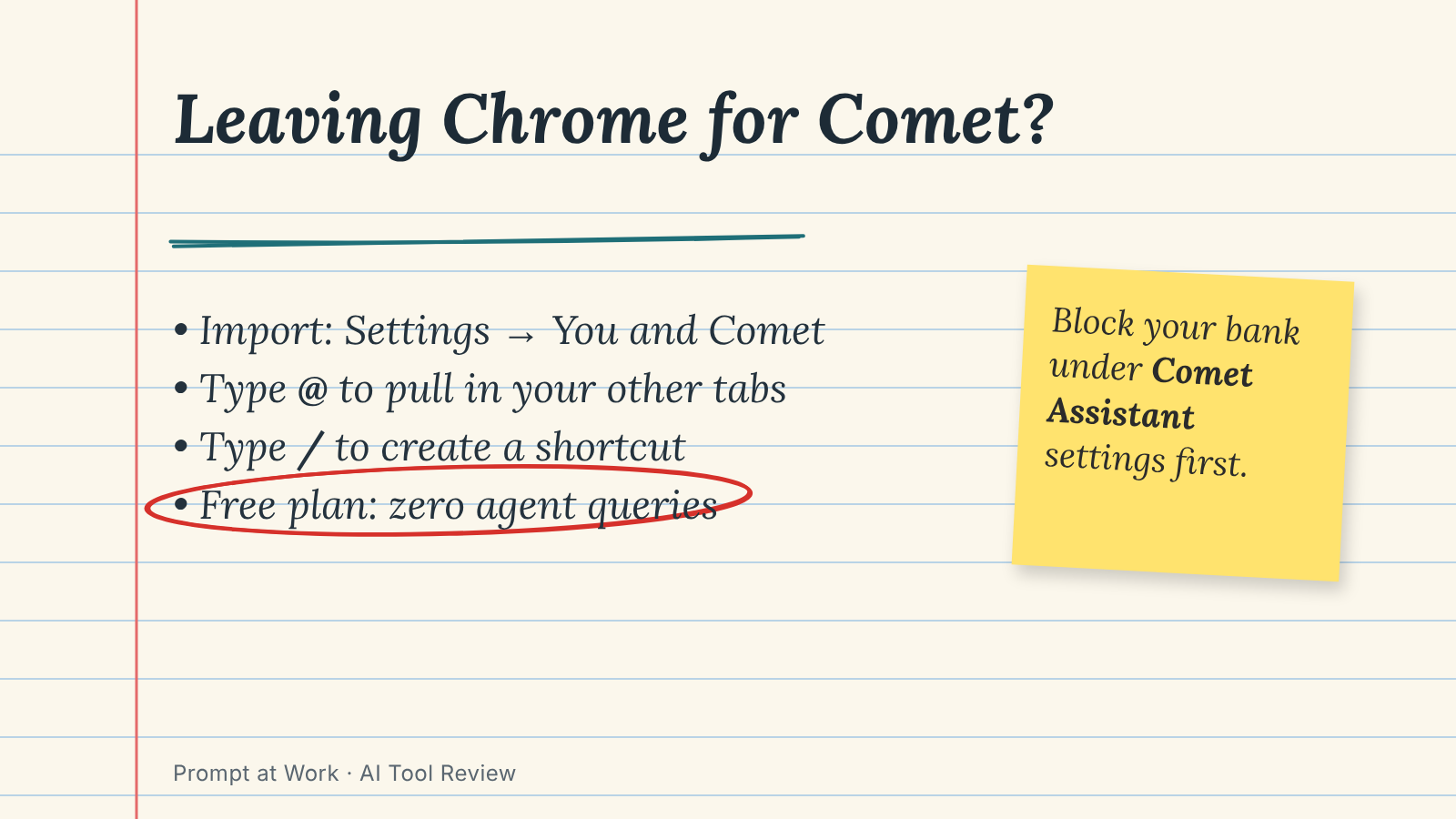
Comet offers to import on first launch. If you skipped it, go to Settings → You and Comet → Import from another browser and bring bookmarks, passwords, cookies, history and extensions.
Cookies are what keep you signed in to Gmail, Naukri and your bank after the move. That also means the assistant works inside those signed-in sessions, so read the privacy section below. Most Chrome Web Store extensions install with Add to Comet, though Perplexity warns that ones tied to Chrome-specific integrations may misbehave.
The side panel that reads your other tabs with @
This is the main reason to switch. The Comet Assistant panel reads the tab you're on each time you ask, and typing @ pulls in other open tabs. With three college admission pages open, type @, pick the other two, and ask it to compare the fee sections. No copying and pasting.
It keeps working while you switch tabs. Hover over any toolbar button to see its key combination, and change them at comet://settings/shortcuts.
Select any text, get a floating Inline Assistant button
Highlight a paragraph and a small button appears beside it, offering summarise, fact-check, define, translate or a custom question. Inside a text box it rephrases or fixes grammar, and an empty box shows Help me draft.
The catch for office users: Perplexity says it may not appear on some sites, and names Google Docs.
Slash shortcuts: save a prompt once, run it with /
This is the feature I'd set up first, and few people do. Type / in the search bar or side panel, click Create a shortcut, write the prompt, pick a search mode, model and source, then name it.
A good first one is /fact-check: check the claims on this tab against credible sources and show the result as a table. Run it on the next forwarded news link before it reaches the family group. Shortcuts can be edited under Settings → Shortcuts or shared as a link.
Week-one extras from Comet's help pages
- Cycle recent tabs: enable it at comet://settings/shortcuts, then Opt+Tab on a Mac jumps to your last tab. On Windows it takes over Ctrl+Tab.
- Voice Mode: Alt+Shift+V to ask about the page or switch tabs by voice. The help page says 36 languages but doesn't list them, so I couldn't confirm Hindi.
What breaks: free Comet has zero agent queries
Perplexity's own plan table lists Browser Agent (Comet Assistant) queries as "No" on the free plan. Pro and Max get monthly limits without a published number.
A popular r/perplexity_ai thread in May asked why Comet had become "shy", with the agent refusing form-filling it used to handle. Several commenters believe the stronger features moved to Perplexity Computer, which went inside the Comet Assistant on 27 July. I can't confirm that from Perplexity's pages, but PiunikaWeb's July tests describe the same mix of working, refusing and stalling halfway.
PiunikaWeb also found no public desktop release notes since February, and a Mac install stuck on an old version until a reinstall. G2 reviewers add slow launches and faster battery drain.
Two settings before the assistant goes near your bank
First, Settings → Privacy and security → Comet Assistant. Add your bank, UPI and tax sites under Block tasks on specific websites. In October 2025 Brave's researchers showed that hidden text in a screenshot could pass instructions to Comet's assistant, and blocking keeps it off the pages where that would hurt most.
Second, Perplexity says Free, Pro and Max data may be used to train AI models unless you turn off AI data retention at perplexity.ai/account/preferences. Tab context the assistant reads is kept up to 30 days as a Temporary thread in your Library.
Comet's system needs and fine print
- Desktop needs Windows 10 or 11, or macOS 13 Ventura or later.
- The browser is free; agent queries need Pro at $17 a month billed yearly, plus 18% GST.
- Training on your data is on by default for personal plans.
- In August 2026 an appeals court vacated Amazon's injunction against Comet's shopping agent.
Who should switch, and who should keep Chrome
- Switch if you research across many tabs or will set up two or three slash shortcuts. The free browser covers that.
- Stay if you mainly wanted an agent to fill forms. On free it can't, and on Pro it is unpredictable right now.
My call: install it next to Chrome, import everything, and give it two weeks before making it your default. I'd keep the agent away from anything involving money until Perplexity says where it is heading.
Comments
Comments are reviewed before they appear publicly.