
Workshop Sign-ups on n8n, Node by Node
n8n can handle workshop sign-ups without a separate form tool or spreadsheet. Here is that build node by node, with the debugging features beginners skip and the self-hosting catches that trip people up.
n8n is a workflow automation tool: you connect nodes on a canvas, and a trigger (a form, a schedule, an email, a webhook) sets the chain running. It has AI Agent nodes and a choice most rivals don't offer: use n8n Cloud, or run it on your own server. Version 2.45 came out on 20 October.
The clearest way to judge n8n is to build one ordinary job with it. Here is the one I'd pick as an AI enablement coach: workshop sign-ups that save each attendee and refuse duplicates.
The n8n Form Trigger replaces the Google Form
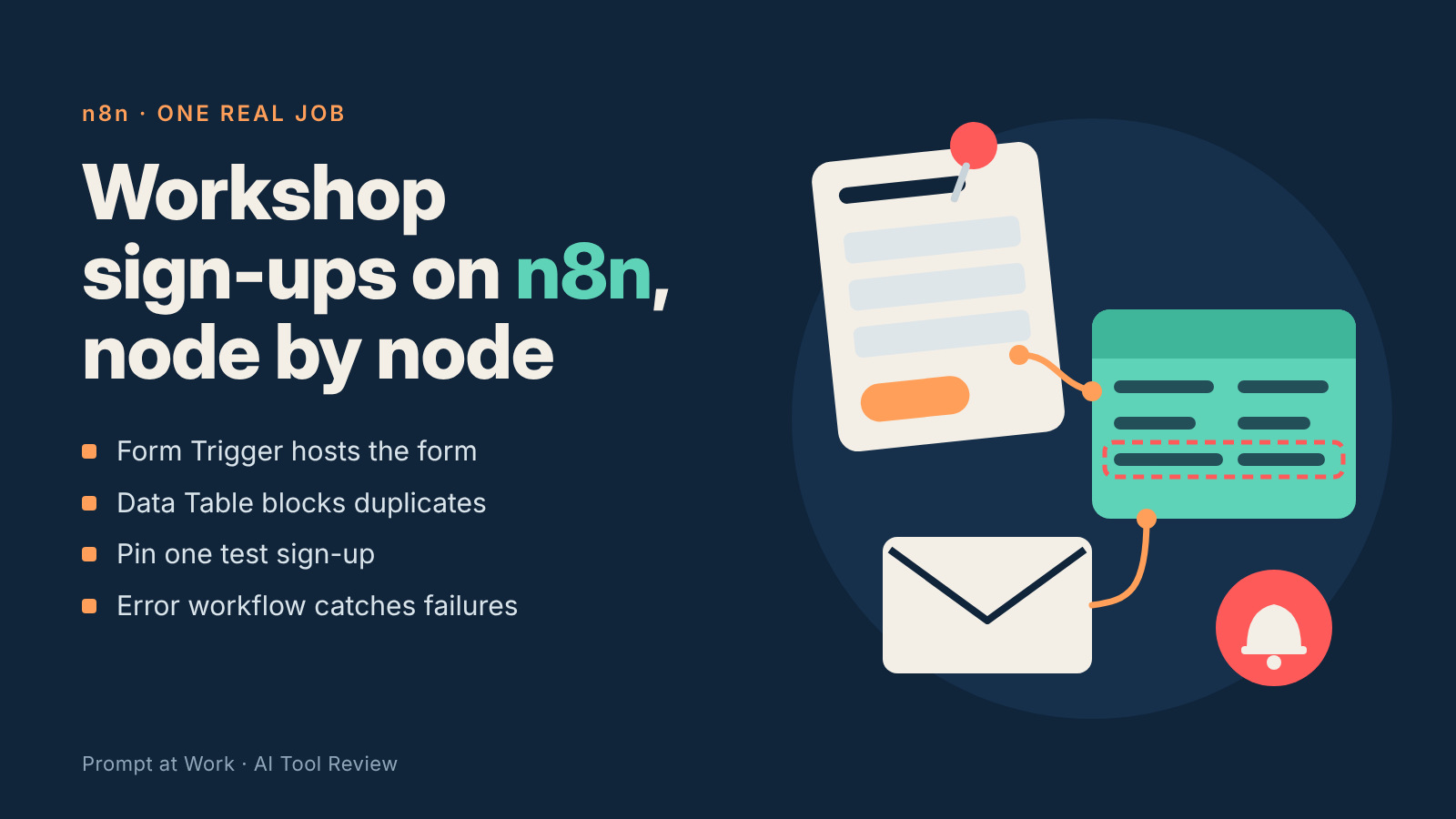
Start a new workflow and add the n8n Form trigger. n8n hosts the form page itself. Fields include email, dropdown, date, file upload and a hidden field, handy for tagging which batch a link belongs to.
- Test vs production URL: the test URL only listens while you click Execute Workflow. The production URL goes live when you publish, and its submissions appear only in the Executions tab.
- Respond When: set it to Workflow Finishes and the attendee sees an error if anything breaks, instead of a cheerful "thanks" for a sign-up that was never saved.
A Data Table as the attendee list
Open your project, select the Data tables tab and create one, from scratch or from a CSV. The Data Table node then looks up the submitted email before inserting it, and a repeat email branches to a polite "you're already registered" reply.
All data tables on an instance share 200 MiB by default: plenty for attendee lists, not for every uploaded file.
Pin one test sign-up before building the rest
Submit the form once, then click the pin icon in the trigger's OUTPUT panel. Every test run now reuses that sign-up instead of waiting for you to fill the form again. Switch to JSON, click Edit, and blank out the phone number to see how later nodes cope.
Pinning skips binary output such as file uploads, and production runs ignore pins, so a leftover one won't break the live form.
You probably don't need Loop Over Items
A recurring confusion on the n8n community forum: someone adds Loop Over Items, and it stops after the first batch or creates duplicates. As an experienced member explained in one thread, n8n nodes already process every incoming item. Send 40 rows to the Gmail node and it sends 40 emails.
When the confirmation email fails at 11pm
G2 reviewers keep naming debugging as n8n's weak spot. Three features beginners rarely touch make it far less painful.
- Retry On Fail: switch it on in the Gmail node's Settings tab, so a brief outage doesn't lose a confirmation.
- An error workflow: build a separate workflow that starts with the Error Trigger node and messages you. In the sign-up workflow, pick it under Options, Settings, Error workflow. One error workflow can watch all the others.
- Debug in editor: in the Executions tab, open the failed run and click Debug in editor. n8n loads that exact attendee's data into the canvas and pins it, so you fix the bug on the real input. It's on every Cloud plan; self-hosters get it by registering the free Community edition for a licence key.
Settings, Instance-level MCP: let Claude run it
An owner or admin can switch on Enable MCP access under Settings, Instance-level MCP, then connect Claude or ChatGPT. Each workflow stays hidden until you toggle Available in MCP in its settings. Then you can ask your assistant to register a walk-in attendee. The docs don't say which plans include it.
Where this build breaks if you self-host
Self-hosting is free when only your own organisation builds the workflows. Two catches. The form or webhook URL shows localhost until you set the WEBHOOK_URL environment variable to your public domain. And patching is now your job: on 14 October n8n published fixes for 15 security advisories, five rated High, with 2.43.5 the first safe 2.x stable version.
If you self-host and haven't updated since early October, check Help, About n8n before anything else.
Quick facts
- Privacy: n8n says its AI Assistant gets your node settings and data shape, not workflow output, and none of it trains AI models. The AI Workflow Builder does send any mock data you've loaded, so pin a fake attendee, not a real one, before asking it for help.
- Price: Cloud Starter is €20 a month billed yearly, plus 18% GST, with 2.5K executions and a 5-minute cap per run.
My pick for a trainer with no server person
I'd pay for Cloud Starter rather than self-host to save money. A sign-up form is public, and keeping a server patched is a real job. Self-host once n8n runs a dozen workflows and someone on your team already looks after servers.
Comments
Comments are reviewed before they appear publicly.