
Kling 4.0's Weak Spots: Surprise Music, Extra Cuts, Wobbly Text
Kling 4.0 makes 30-second clips with sound and Hindi dialogue. It also adds music, cuts and redrawn labels you never asked for. Here is where it slips, the prompt fixes that help, and where it earns your credits.
Ask Kling 4.0 for one calm product shot and you may get background music, a hard cut at second eight and a label that has been quietly redrawn. All three keep turning up in early reports, and each has a workaround.
Kling 4.0 is Kuaishou's new video model. Flash opened to early testers on 28 September 2026 and the full model launched worldwide in mid-October. It makes 3 to 30 second clips in one pass, with stereo sound and dialogue, from text, images, reference videos and voice samples.
Background music you never asked for
Kling's own user guide has no sound on/off switch for 4.0. Sound comes from the prompt, and the model adds music and subtitles by itself. An early Flash tester got music even when the prompt said not to.
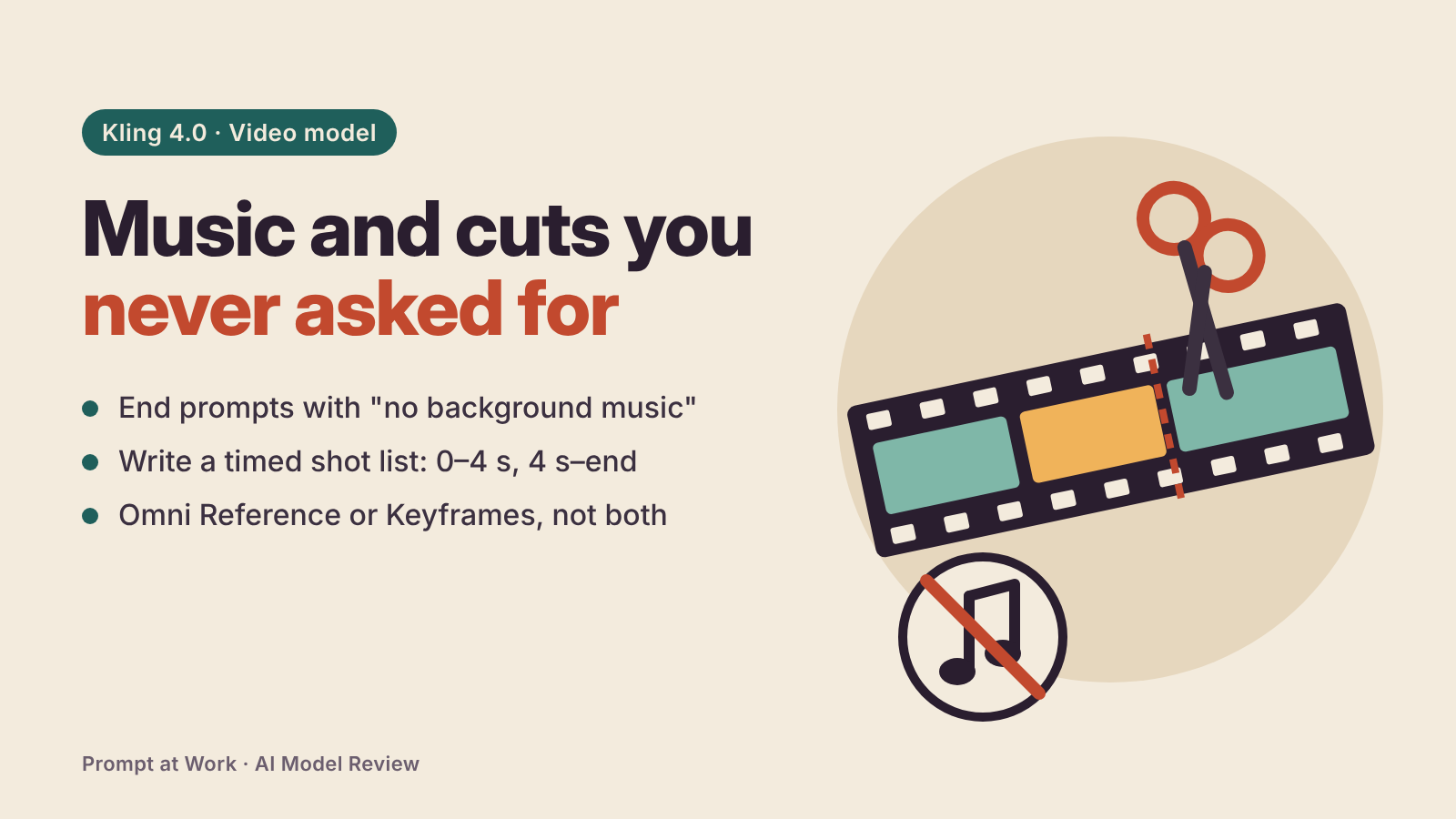
The guide discourages negative instructions with two exceptions: "no subtitles" and "no background music". End your prompt with exactly those words. If music still sneaks in, mute it in your editor rather than paying for another run.
Multi-shot is on by default, so cuts appear on their own
The guide says multi-shot is enabled by default and the model splits shots automatically. Great for a 30-second story, annoying for a product turntable. One reviewer asked for a cut at 4 seconds and got a second one at 8 that reset the framing.
Write a timed shot list in the prompt, the format the guide recommends: "0–4 s: exterior wide shot. 4 s–end: one continuous shot, locked tripod camera." That lowers the odds of a surprise cut without removing them.
Packaging text, logos and hands still get redrawn
A reseller who tested Omni Reference heavily found small product text and logos often get redrawn, hands holding small objects look wrong, and unseen angles get invented. Their fix: plain, evenly lit backgrounds, no watermarks or text overlays, and the same outfit in every reference photo.
If the brand name must be perfect, I'd add it in your editor afterwards.
Omni Reference and Keyframes won't work in the same task
They are separate entries on the creation page and can't be combined in one generation. Pick by job:
- Omni Reference (the default entry): up to 15 references in total (up to 10 images, 5 videos with 30 seconds combined, and 7 elements), plus up to 3 voice profiles.
- Keyframes: up to 10 still images that pin down key moments along the timeline, such as a first frame, a middle beat and an ending.
Credits go on clips that ignore you
Kling's Trustpilot page sits at 1.2 out of 5 from 431 reviews, most of them one-star. October's complaints repeat a pattern: camera movement on a requested still shot, dialogue in an unrequested language, odd lettering, and credits spent each time. Write-ups disagree on whether failed generations are refunded, but a clip that renders and ignores your prompt costs you either way.
Draft on Flash first. Its 720p, 20-second limit is enough to check motion and timing before a 1080p final.
Where Kling 4.0 earns its place
- Give every reference a job. Uploads are numbered automatically as @Image1, @Video1 and so on. Write each one's role, like "@Image1: keep this character's face and outfit".
- Voice profiles. In Omni Reference you can upload up to 3 voice samples of 5 to 30 seconds each, then put the lines in quotation marks in the prompt.
- Hindi and Indian English. Kling lists Hindi among its dialogue languages and Indian English among its accents. I found no published Hindi test yet, so try a 5-second line first.
- Edit an existing clip. Upload it, start the prompt with "Edit @Video1" and end with "Keep everything else unchanged".
The guide doesn't say which membership level includes each of these.
My position, which product-video makers may dispute: Kling 4.0 suits a 20-to-30-second talking-character ad better than a product close-up. Dialogue and long takes moved forward; small printed text still slips.
No independent score yet
As of 10 November, the Artificial Analysis video arena had no Kling 4.0 row on its with-audio boards. On text-to-video, Kling 3.0 Omni sits around 1,020 Elo, about 21st, and Seedance 2.5 leads image-to-video at 1,161. Most hands-on tests I found come from companies that resell Kling, so weigh the early praise accordingly.
Kling 4.0 quick facts
- Full model: 720p, 1080p or 4K, 3 to 30 seconds. 10-bit HDR and extending clips to 2 minutes are still "coming soon".
- Price: free credits exist but free access to 4.0 isn't confirmed; Standard is about $8.80 a month + 18% GST after a $6.99 first month, per third-party trackers.
- Privacy: Kling's policy (updated 21 April 2026) doesn't say whether your uploads train its models, has no training opt-out, and stores data on servers in Singapore.
Three runs before you buy more credits
- A 5-second Flash clip with one subject, one action and one camera rule, ending "no subtitles, no background music".
- The same prompt as a timed shot list at 10 seconds, to see whether the cuts land where you wrote them.
- One line of dialogue in your own language with a voice profile, before you commit to a 30-second final.
Comments
Comments are reviewed before they appear publicly.