
Grammarly Is the Wrong Tool for Three Kinds of Writers
Grammarly fixes English inside Gmail, Slack and Google Docs, and its newer agents can test an email on an imaginary reader. Three kinds of writers still get more friction than help from it. Here's who they are, and the settings that make it work for everyone else.
Grammarly checks your English wherever you type: Gmail, Slack, Google Docs, Word, even the WhatsApp desktop app. Since October 2025 it has been one product in a suite from a company that renamed itself Superhuman. The underlines are still the core, with full-sentence rewrites and tone changes on Pro. The newer layer is AI agents (Paraphraser, Proofreader, Reader Reactions, AI Grader, Citation Finder, an AI detector, a Humanizer) inside Grammarly's own editor, docs.
It's on so many laptops that few people ask whether it suits how they write. The complaints on Trustpilot and Reddit point to three groups it fits badly. After those come the settings that make it worth keeping.
Writers whose voice is the product: hide the style groups first
The oldest complaint about Grammarly is that its suggestions flatten your writing; an October Trustpilot review calls the edits bland and overly prescriptive. For columnists, novelists and personal newsletter writers, that's fair: the defaults sand down the quirks readers come for.
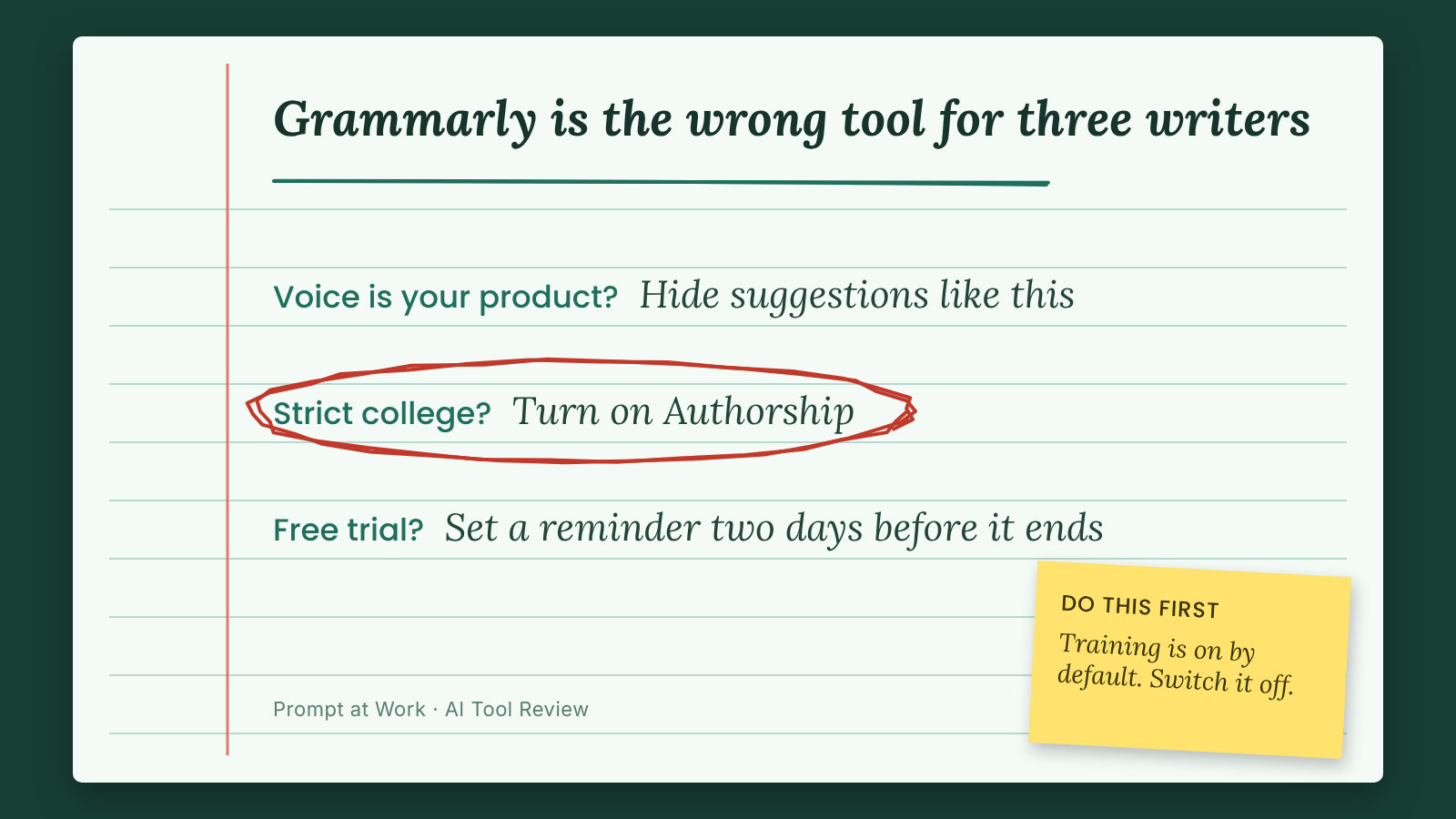
You can narrow it to correctness. On a paid plan, open account.grammarly.com/customize/suggestions and switch off whole groups of suggestions; the change applies in every Grammarly app you use. If you've turned on Superhuman Go, there's a finer control: click the three dots on a suggestion card and choose Hide suggestions like this. Grammarly's help page lists the Oxford comma, semicolons and em dashes among the rules you can silence this way.
Even then, I'd skip Pro if voice is your job; free spelling and grammar checks are enough.
Students whose college treats any AI rewrite as cheating
On Turnitin's community forum, teachers have reported essays scoring high on AI detection when the student said they had only used Grammarly. Turnitin hasn't confirmed a cause, and several teachers there suspect the generative rewrites rather than plain grammar fixes.
The feature that protects honest students is Authorship. In Google Docs with the Chrome or Edge extension, click the thumbprint icon next to "Track writing activity" before you start, or choose "Start automatically". It logs which text you typed and which was pasted or AI-made. Click the thumbprint, then "See report", for a colour-coded copy of your text and a replay of your typing. Share sends your teacher a link, with or without the replay. Basic tracking and sharing are free; spotting AI and pasted sources inside the report needs Pro.
If your college's rules are unclear, keep Authorship on and leave the Paraphraser and Humanizer alone.
Anyone fed up with Grammarly's upgrade pop-ups
Trustpilot reviews from September and October describe upgrade prompts covering the cursor mid-sentence, plus charges after free trials with refunds refused. I think this is the fairest complaint of the lot, and a real reason to pick a quieter tool.
If you stay, set a calendar reminder two days before any trial ends. And if you use Superhuman Go, the Grammarly agent's settings (suggestion card, three dots, Edit settings) let you pick the apps it helps in under "Where would you like this agent to help you?" and add domains to a URL Blocklist. Grammarly's pages don't say whether that also hides upgrade prompts.
Everyone else: Indian English, backslash Snippets and two more
- "I write in" Indian English. Click the Grammarly icon in your browser toolbar and pick Indian from the dialect dropdown; it syncs to your other Grammarly apps.
- Snippets (Pro). Save your bank-details email, workshop joining instructions or a polite follow-up as a snippet, then press \ in the Windows or Mac app and search for it by name.
- Reader Reactions in docs. Paste a tricky email, use the audience button to pick a manager or client, and it predicts what they'll remember and what they'll ask. Free gets five reactions a day; Pro removes the cap.
- Goals in the Grammarly Editor. Set audience and formality per document so a casual note isn't flagged for slang. Goals can't be saved as defaults.
Product Improvement and Training stays on until you find it
For individual accounts, this setting is on by default, so your text can be used to train Grammarly's models. On Free, switch it off at account.grammarly.com/security/privacy. On a single-user Pro account it lives at account.grammarly.com/admin/data_settings. Team plans bought through Grammarly's sales team have training off already.
Grammarly at a glance
- Free plan: yes, with spelling, grammar and tone detection.
- Pro: $30 a month or $144 a year, plus 18% GST; checkout can show rupees.
- Runs in: Chrome and Edge extension, Windows and Mac apps, and docs on the web.
- Made by: Superhuman, Grammarly's company under its new name.
If none of those three groups sounds like you, start free with Indian English set and the training switch off. Upgrade when Snippets or unlimited Reader Reactions would save you time every week.
Comments
Comments are reviewed before they appear publicly.