
Six Settings That Decide How Long Gemini 4 Carbon Makes You Wait
Gemini 4 Carbon is Google's strongest model, and also one of the slowest to start answering. These are the settings in the Gemini app, Antigravity and the API that decide how long you wait, what a task costs and how fast your quota goes.
On its High setting, Gemini 4 Carbon takes about 75 seconds to show its first word, by Artificial Analysis's count. On Low it's under 9 seconds. That one setting changes more about your day with Carbon than any benchmark does, and it's only one of several switches most people leave alone.
Carbon is Google's most capable model. It went to a small group of cybersecurity defenders on 28 October and opened up on 10 November: Google AI Ultra subscribers get it in the Gemini app, AI Mode in Search and the Antigravity coding app, and paying developers get it through the Gemini API. Google's own launch post says Gemini 4 Argon "remains the ideal choice for the majority" of work. Carbon is for the problems Argon gets wrong.
"Most complex work" in the model picker is Carbon
The names confuse people; one launch-day Hacker News commenter had only just noticed they were different models. In the Gemini app's model picker, 9to5Google reports, Argon sits under "Code & analysis" and Carbon under "Most complex work". On lower plans it shows as unavailable.
My suggestion: leave the app on Argon and switch to Carbon only for a prompt Argon has already fumbled. A test by AI for Mortals ran seven everyday office and coding jobs through both models, and Argon matched Carbon on all seven. On the two hard ones Carbon took up to seven times as long.
Medium thinking costs less per task than Low
Carbon has three thinking levels: Low, Medium and High. Medium is the default in the API, set with the thinking_level parameter. The old thinking_budget setting now returns an error.
The surprise is in eesel's breakdown of Artificial Analysis data. At list prices, one index task cost $7.19 on Low, $6.59 on Medium and $7.76 on High. And High isn't safer: its hallucination rate on AA-Omniscience was 11.4%, against 4.2% on Medium.
Artificial Analysis puts High at 60 on its Intelligence Index and Medium at 58. Two points for nearly three times the wait is why I'd skip High.
I couldn't confirm a separate thinking-level menu for Carbon inside the Gemini app. If you see one under the model picker, start on Medium.
Background mode for answers that run past the cap
A normal API reply stops at 65,536 output tokens, and Carbon's thinking counts toward that. In AI for Mortals' payroll test, Carbon on High thought for six minutes, hit the cap and returned nothing, three times running. With background switched on, the same job came back after about eight minutes with all eight planted bugs fixed.
Google's migration checklist, quoted by eesel, adds two more: set HTTP timeouts to at least 15 minutes, and don't bother tuning temperature, top_p or top_k, because Carbon ignores them.
Implicit caching wants your fixed text first
Carbon doesn't support explicit context caching. Instead, caching kicks in by itself when the start of your prompt repeats, with at least 4,096 tokens of identical text, and cached input is billed 95% lower. Put the long system prompt or style guide at the top and the changing question last.
Antigravity: Orchestrator (Carbon) and the /swarm preview
In Antigravity, the model menu sits below the prompt box; in the command-line version, type /model or run agy models to see what your account can use. Carbon appears as "Orchestrator (Carbon)", Ultra only.
The new /swarm command turns one prompt into a team of agents, with Carbon handling planning, coordination and review while faster models do the parallel work. Its menu label says "Preview & Quota Heavy", and that's accurate. The developer behind paddo.dev ran four Carbon sessions at once on an Ultra plan and got "Individual quota reached" about two hours in.
His results still explain why people put up with it: across 20 runs of real fixes from his own codebase, Carbon passed every test 17 times, Argon 16, and Fable 5.2 and Opus 5.5 13 each. Opus did it for $38 against Carbon's $60 at list price, though, and Carbon averaged 30 minutes a fix.
The History switch, before you paste client work
In the Gemini app, your chats can be used to train Google's models while the History setting is on. Turn it off at myactivity.google.com/product/gemini; chats are then still kept for about two months. Chats picked for human review stay for up to three years, even if you delete them.
My Carbon setup
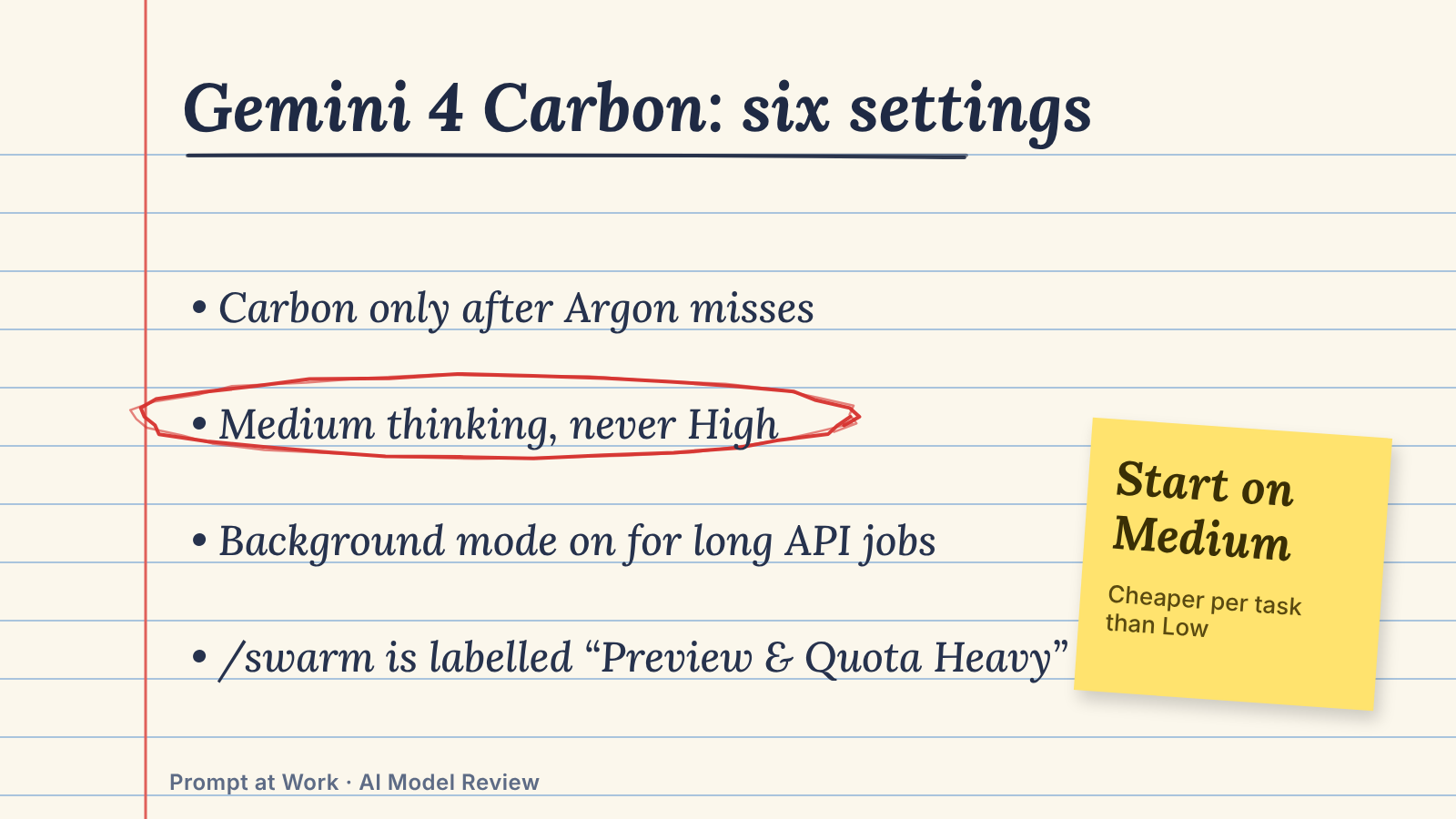
- Argon as the default, Carbon only after Argon misses.
- Medium thinking, never High unless Medium has failed twice.
- Background mode on for any API job that might think for minutes.
- No /swarm on a plan you also need for daytime work.
Gemini 4 Carbon quick facts
- Released to cyber defenders 28 October 2026; broadly available from 10 November.
- Gemini app, AI Mode and Antigravity on Google AI Ultra only; API on the paid tier in AI Studio.
- 1M-token context window, about 7.5 lakh English words, shared between input and output.
- API price $2 in and $10 out per million tokens until 30 November, then $4 and $20.
Comments
Comments are reviewed before they appear publicly.