
Should You Pay for Claude Code? My Honest Take
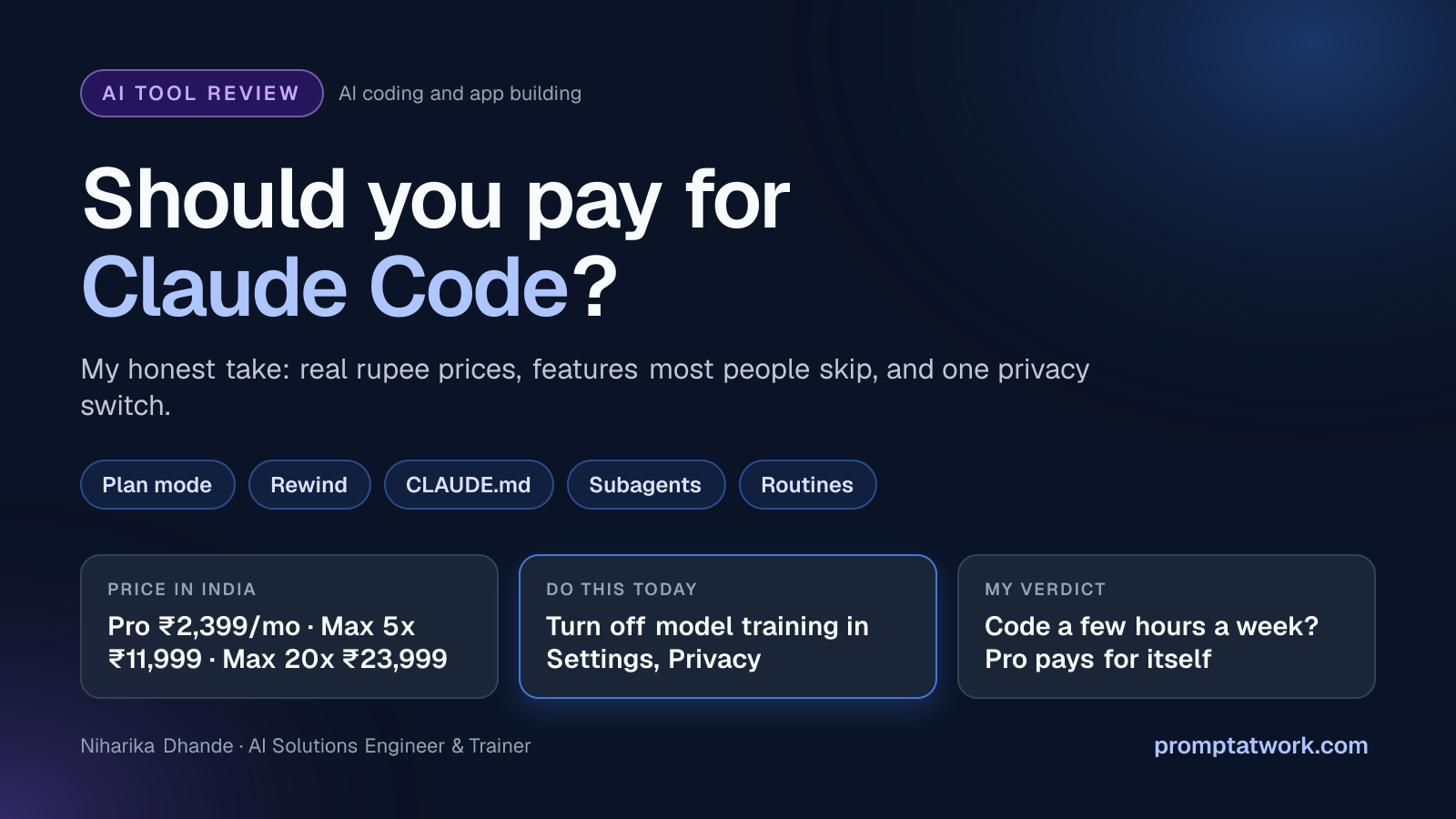
Claude Code writes, runs and fixes code right inside your project. But it isn't on the free plan, and heavy use eats limits fast. Here's who should pay, what it costs in rupees, and the one privacy switch to flip first.
Isn't this just ChatGPT that writes code?
Not quite. A chatbot hands you code to paste. Claude Code works inside your project folder: it reads files, edits them, runs tests, then shows you what changed.
It lives in your terminal, VS Code, JetBrains, the desktop app, the browser and your phone.
Where it shines: real projects. Bug hunts across many files, refactors, tests and small features while you review.
Where it doesn't: there's no free plan, and long sessions burn through limits. If you never want to see code, a prompt-to-app builder will feel friendlier.
I keep re-explaining my project every single session
The fixes are already built in. Most people never touch them.
- CLAUDE.md: a plain notes file in your project that Claude reads at the start of every session. Write your rules once.
- Plan mode: press Shift+Tab and Claude proposes a plan before touching a file. Fewer costly wrong turns.
- Rewind: press Escape twice or type /rewind to roll code and chat back to an earlier checkpoint.
- Skills and subagents: skills load instructions only when needed. Subagents do noisy jobs like running tests and send back a short summary.
- /insights: a report on how you work, where sessions went wrong, and what to change.
Okay, but how much will this actually cost me?
Claude Code starts at Pro. Your usage resets on a rolling five-hour window, there's a weekly cap too, and it's shared with Claude chat.
Coding eats more than chatting, because every turn resends your files and history. Hit the wall and you either wait for the reset or switch on paid usage credits.
- Pro: ₹2,399 a month, or about ₹2,000 a month billed yearly (GST incl.). $20 or $17 elsewhere.
- Max 5x: ₹11,999 a month ($100). Five times Pro's usage.
- Max 20x: ₹23,999 a month ($200). Twenty times Pro.
- Team: $25 a seat monthly, $20 yearly. Premium seats with 5x usage cost $125, or $100 yearly. Plus 18% GST.
- API key: pay per use instead. Anthropic says enterprise developers average about $13 per active day.
Max also includes $100 or $200 of monthly API credits. They don't cover normal Claude Code sessions, only scripted runs with an API key, and they expire each month.
The rupee prices are what Indian checkout has shown since July. Confirm on claude.ai before you pay.
Is it reading my client's code?
Claude Code runs on your machine, but your prompts and the code it reads travel to Anthropic to get answers.
On Pro and Max, those sessions can train future models while the training setting is on. That data is kept for five years. Switch it off and it's 30 days. Go to claude.ai, Settings, Privacy, and turn off "Help improve our AI models".
Team, Enterprise and API use falls under commercial terms: no training by default, 30-day retention. Enterprise can add a HIPAA setup and zero data retention. And the code it writes is yours. Anthropic's terms hand its rights in outputs to you.
I'm tired of doing the same review every Monday
Routines run a saved prompt on Anthropic's cloud, even with your laptop closed. They're on Pro and above, still in research preview.
- Write it once: do the task in a session, then save the steps as a skill in your repo.
- Schedule it: type /schedule with something like "weekdays at 9:07, summarise yesterday's merged PRs". The shortest gap is one hour.
- Add triggers: at claude.ai/code/routines, also fire it on new pull requests or from an API call.
Using n8n or Zapier? Give the routine an API trigger and send it an HTTP request from your workflow. Runs count against your plan limits.
So… should you pay?
My rule: if you code a few hours every week, Pro pays for itself. Upgrade only when limits stop you every week.
- Never touch code? Skip it.
- Learning or building side projects? Pro at ₹2,399 a month.
- Coding all day and hitting limits? Max 5x.
- Running several agents in parallel daily? Max 20x.
- Working on client or company code? A Team plan, so it sits under commercial terms.
Do this today: on Pro or Max, switch off "Help improve our AI models" in Settings, Privacy before you open client code.
Which boring coding chore would you hand over first? Tell me in the comments.
Comments
Comments are reviewed before they appear publicly.