
Six ChatGPT Habits Worth Breaking This Week
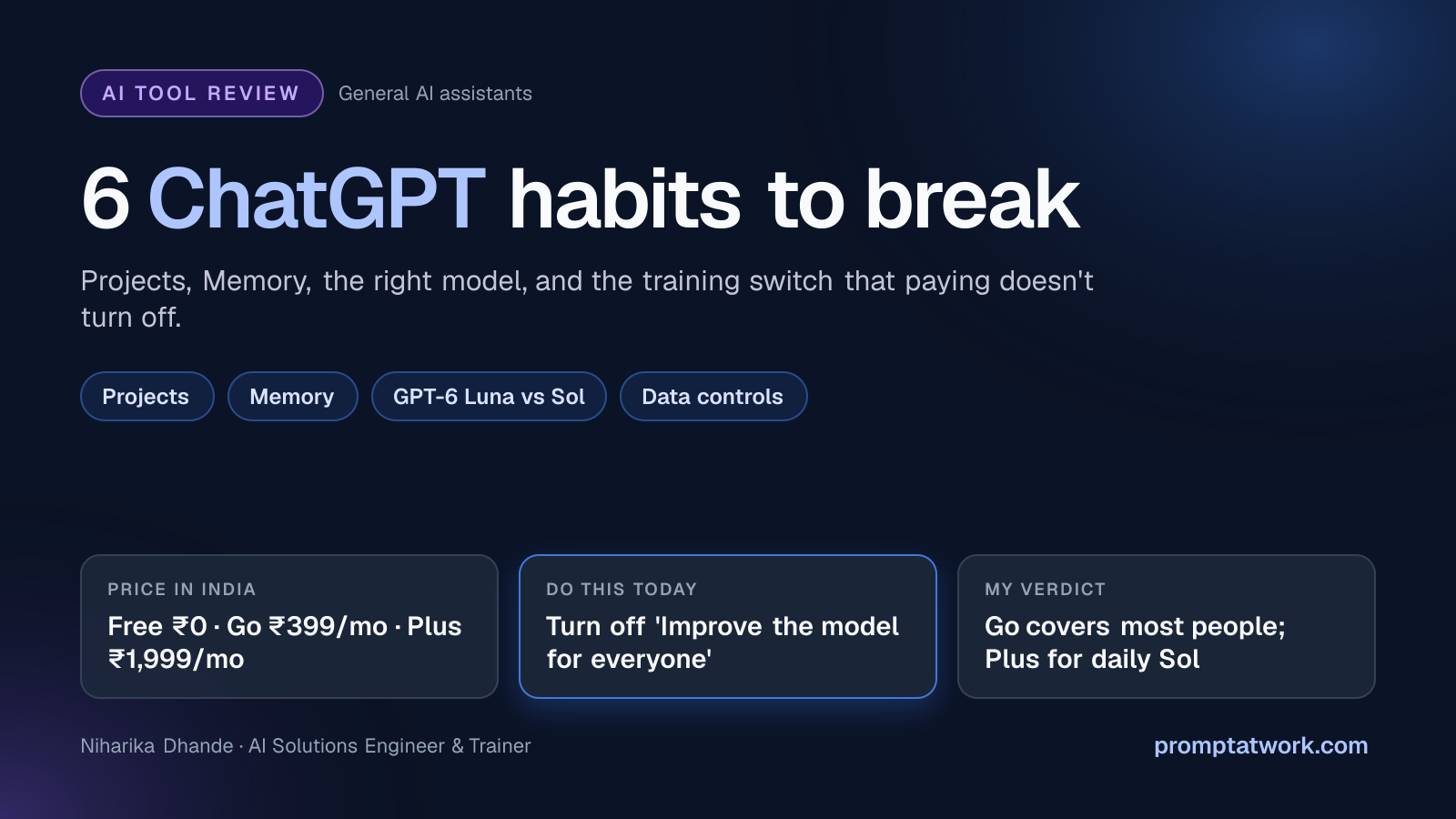
Small habits decide whether ChatGPT feels sharp or frustrating. These are the six I'd fix first, from never opening the Memory page to forgetting that the free Go year renews in November.
ChatGPT is usually the first AI app people install, which also makes it the place where small bad habits pile up: wasted limits, weaker answers than you could be getting, and data you didn't mean to share. These are the six I'd fix first, roughly in the order I'd fix them.
1. Starting every chat from zero
If you explain your job, your client and your tone in every new chat, you're paying for that explanation each time. Projects let you keep the files, instructions and chats for one piece of work together, so a new chat inside it already knows the background. Projects come with Go and above.
Custom instructions help too. On paid plans they now take up to 5,000 characters, which is enough to describe how you write and what you never want it to do.
2. Never opening the Memory page
Memory is useful until it remembers the wrong thing. A throwaway question about a relative's illness or a one-time project can quietly shape answers for months. Open Settings, then Personalization, then Memory, read what it has saved and delete what doesn't belong. Five minutes, once a month.
3. Not checking which model answered
Since GPT-6 arrived on 7 October, the free plan runs on GPT-6 Luna, the lighter model. The stronger GPT-6 Sol comes with Plus. When a free answer feels thin on a hard problem, that's often the reason, and rewording the prompt five times won't fix it.
The flip side: for everyday drafting and quick explanations, Luna is plenty. Save your judgment of "ChatGPT isn't good at this" for after you've tried the right model.
4. Thinking a paid plan keeps your chats private
On Free, Go, Plus and Pro, OpenAI may use your conversations to improve its models. Paying doesn't change that. The switch is called Improve the model for everyone, under Settings, then Data controls. Turn it off on every device you use.
For one-off sensitive questions, use a Temporary chat. It skips your history and memory, isn't used for training, and is kept for up to 30 days for safety checks. Business workspaces don't train on your content by default, so client work belongs there.
5. Buying Plus when Go would do
Go costs ₹399 a month. When it launched in India, OpenAI described it as about ten times the free plan's room for messages, images and uploads, and it includes Projects. Plus is ₹1,999 a month on the Indian App Store and adds Sol and deep research. Those are the in-app prices with GST included; the website total can differ, so check at checkout.
If you mostly write, summarise and study, Go covers you. Move to Plus when you notice you need Sol's reasoning on most days, rather than because Plus sounds like the "real" plan.
6. Forgetting the free Go year
OpenAI offered a free year of Go to Indian users who signed up from 4 November 2025. Signing up needed a card or UPI, and the plan renews at ₹399 a month when the year ends. For the earliest sign-ups, that's the first week of November. Cancel auto-renewal where you subscribed, on the web, Google Play or the App Store, if you don't want to keep paying. You keep Go until the year is up either way.
If you fix only one thing this week, make it number 4. The rest cost you time or money; that one can cost you a client's trust.
Comments
Comments are reviewed before they appear publicly.