
Build Your Own MCP Server: A Free Hands-On Course
Most MCP tutorials broke when the Python SDK moved to v2. This free course gives you a 67-page handbook, a Colab notebook and five labs that take you from a ten-line tool to an AI agent working a real database.
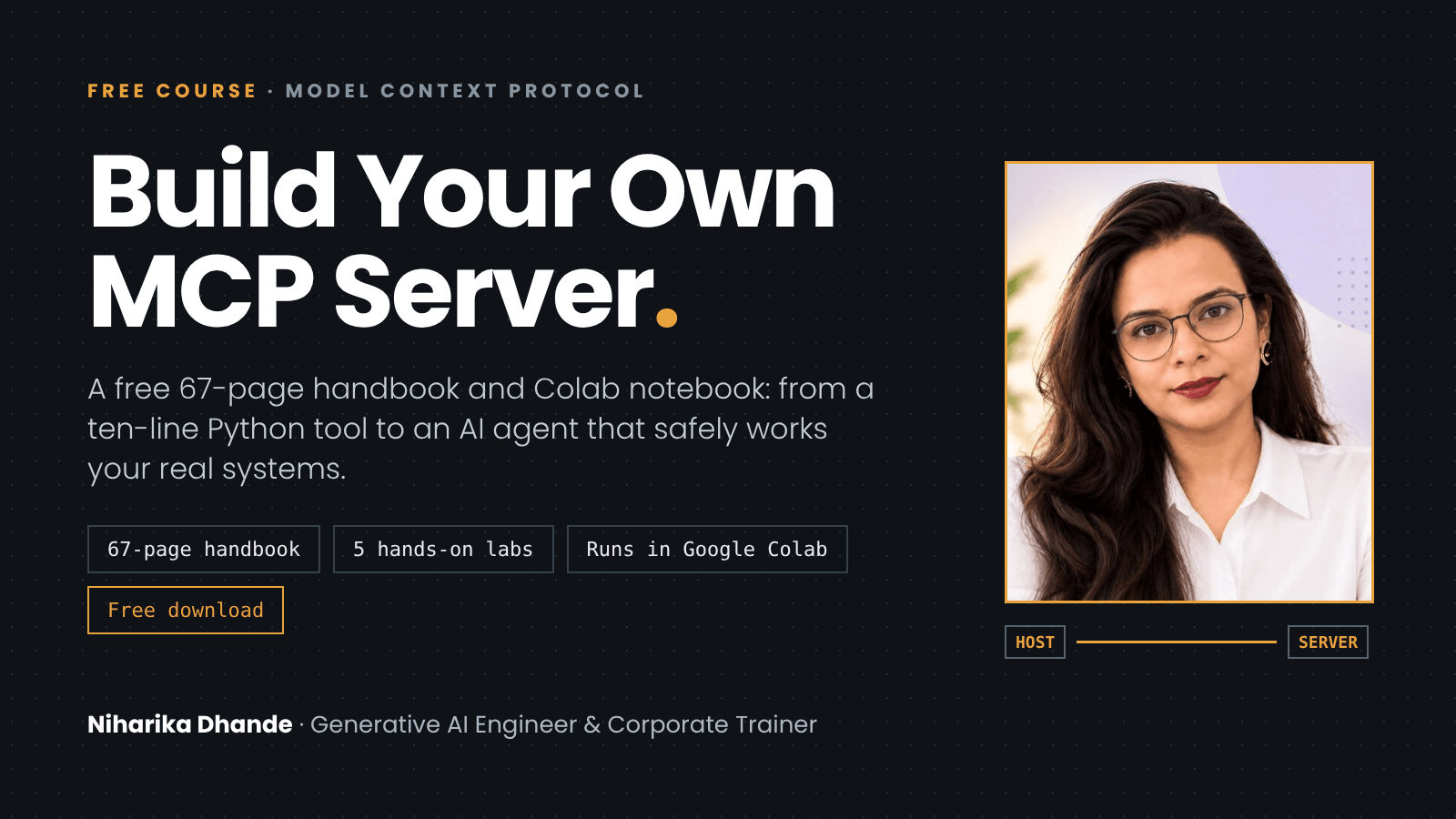
Your AI assistant can explain almost anything, yet it cannot see your ticket queue, your database or your repo. So somebody copies data into the chat and copies answers back out. The Model Context Protocol (MCP) removes that copy-paste. It is an open standard for giving AI apps eyes and hands in your own systems, and Claude, Cursor, VS Code and ChatGPT all support it.
I built this course because most MCP tutorials stopped working this year. The official Python SDK moved to v2, and the import nearly every tutorial uses no longer exists. Beginners hit that error in the first five minutes and decide MCP is too hard. It is not.
What you get, free
- A 67-page student handbook. Concepts, five step-by-step labs with the output you should see, a troubleshooting table of the errors learners actually hit, a glossary and a one-page quick reference.
- A Colab lab notebook. Every code cell, numbered to match the handbook. It runs in the browser, so you install nothing.
- MCP, Explained. A ten-page visual primer for readers who want the ideas without the code.
All three are on the course page, ready to download.
What you build, lab by lab
- Your first MCP server. Two Python functions become two AI tools, and you see the exact schema the AI reads.
- A Support Desk server. A real SQLite ticket database exposed through tools, resources and prompts, tested without any LLM.
- Your own agent loop. A free Groq or Gemini key, about forty lines of Python, and an AI that searches and updates tickets on its own.
- One server, three transports. The same code over STDIO and HTTP, plus configs for Claude Desktop, VS Code and Cursor.
- Harden it, then attack it. Annotations, input limits, audit logs, and a live prompt-injection test hidden inside a ticket.
Who it is for
Developers and engineering students who want a working server rather than another diagram. Product and tech managers get a separate business track in the handbook: where MCP pays off, risk tiers, and ten questions to ask before approving any MCP server. You can follow that track without running a single cell.
How to use the material
Open the notebook in Google Colab next to the handbook and run each cell as you reach it. Labs 1, 2 and 4 need no API key. For Labs 3 and 5, create a free Groq or Gemini key and store it in Colab Secrets, never in a code cell. If you have twenty minutes, do Lab 1. If you have two hours, do all five in order.
Model names on free tiers change fast. If one stops working, the fix is a single line in Cell 3.1, and the troubleshooting chapter shows where.
Learn it live
I run this as a two-hour hands-on session for teams, colleges and open batches, and I also take one-to-one development sessions for people building their own MCP servers or agents. Get in touch to book a session, or start now with the free downloads.
Comments
Comments are reviewed before they appear publicly.