
Eight Abridge Features That Fix a Generic, Chatty Draft Note
Abridge drafts clinical notes from visit audio, and the fixes for its common complaints sit in a menu few clinicians open. These are the settings and features I'd switch on first, from Note Settings to Voiceprints.
Abridge listens to a patient visit and drafts the clinical note: HPI, exam, assessment and plan, ready to send into Epic. It is sold only to health systems, so you get it when your hospital signs, which is how many Indian doctors in US systems meet it.
An r/medicine thread complains that the A&P is generic for complex inpatients and that side chatter ends up in the draft. Both have a fix in the web editor at notes.abridge.com that few people open.
Note Settings: Comprehensive HPI, Bulleted A&P
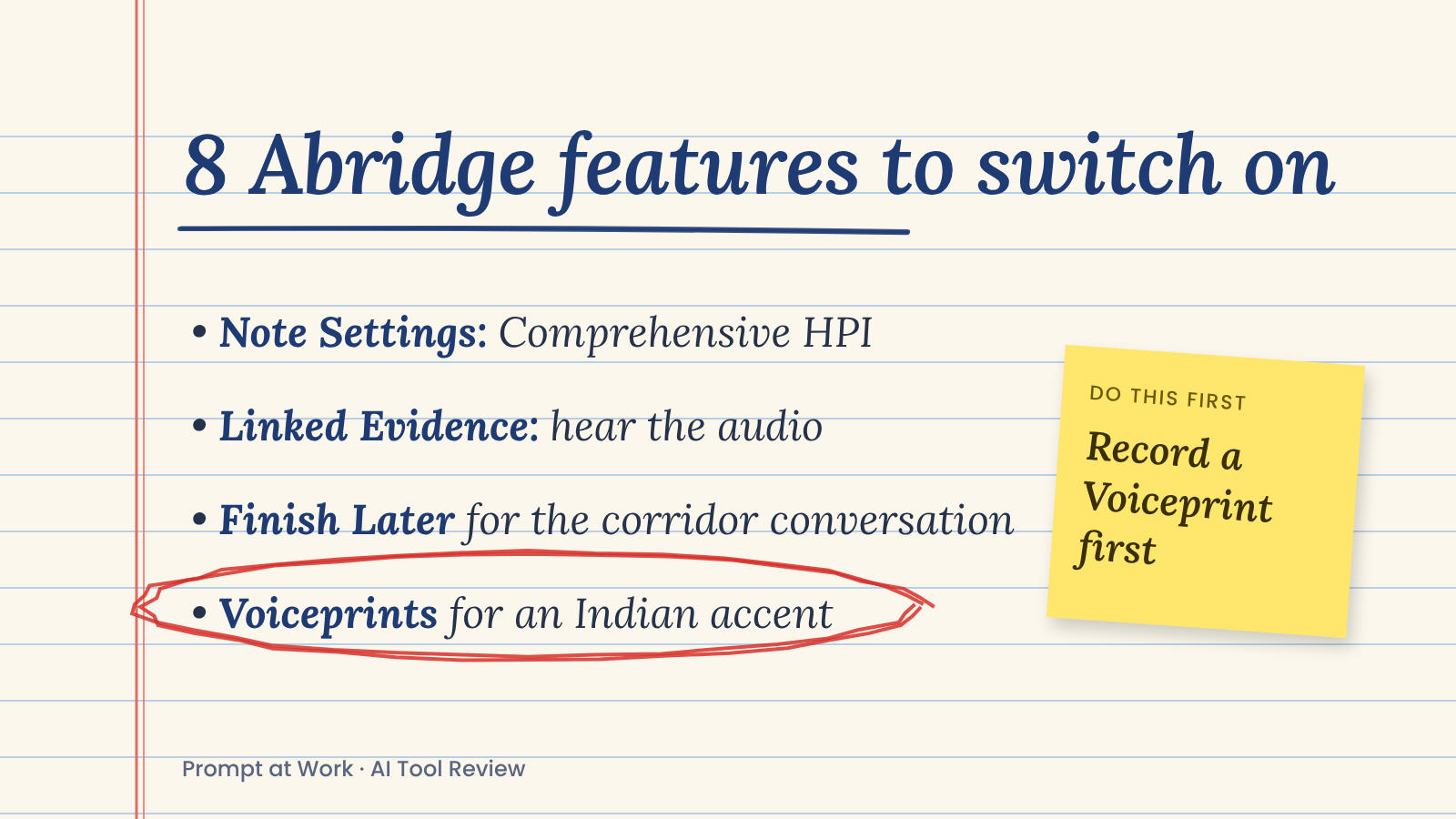
Open the three-bar menu in the upper left of the web editor and choose Note Settings. The HPI can be Concise or Comprehensive, and the Assessment & Plan can be Bulleted or Paragraph, as well as Concise or Comprehensive.
Comprehensive HPI opens with a one-liner, captures more pertinent negatives and orders problems by specialty. Bulleted A&P lists each problem with its rationale, then indented plan steps. Changes apply to future notes, in the web editor and inside Epic.
Your specialty in Account Information changes the exam templates
One long-time user on Reddit said choosing their specialty in settings made Abridge pick up details it had been ignoring. The specialty also decides whether you see the Pediatric, Newborn and Neurology physical exam templates, which only appear when a matching specialty is set in Account Information or synced from your EHR.
If none fit, build your own: Note Settings, then the Library tab, then +. Enter a system heading and normal findings for each section, reorder with the arrows, and select Save Template.
Redraft, with Revert to Original as the safety net
Don't like a note's style? Click the Redraft icon at the top right of the note, pick a style and select Generate. Each pass takes 30 to 40 seconds, there's no limit on retries, and Revert to Original brings back the first draft.
Linked Evidence: highlight a line, hear the patient say it
I'd make every new user try this on day one. Highlight any sentence in the note and the matching passage lights up in the Transcript & Linked Evidence panel. Double-click it, or press Play, to hear the original audio. Transcript Search finds any keyword, handy when a dose looks wrong.
Finish Later for the corridor conversation
Side conversations in the draft are a common complaint. The pause button in the app stops capture without leaving the visit, and a phone call pauses it automatically. Finish Later saves the recording so you can see another patient and resume from your worklist. For teaching rounds, Abridge suggests recording the resident's presentation, pausing in the corridor and resuming at the bedside.
A Hindi consultation still gives you an English note
Abridge transcribes 28 languages, Hindi among them, with no language to select before recording. The note always comes out in English. Interpreters and family are detected without tagging anyone. No other Indian language is listed, so Marathi or Tamil visits are out.
Voiceprints, for anyone with an Indian accent
Added in August 2026, a Voiceprint is recorded once and tunes speech recognition to your accent and the terms you use most. The release notes don't say where to enrol, so ask your Abridge admin. I'd do this before touching any other setting if you trained in India, because accent errors are the hardest to catch on a quick read.
Patient Summary (PVS) doesn't go to Epic with the note
The Patient Summary (PVS) button near the top of the editor gives a plain-language after-visit summary at an 8th-grade reading level. It is not sent when you press Send Note. You have to copy and paste it yourself.
What Abridge's privacy policy leaves to your hospital
Abridge works as a business associate to your hospital, and its public privacy policy excludes the patient data customers store. Retention and any model-improvement use are set in your hospital's contract, not on a settings screen. Voiceprints are the exception: Abridge deletes them a year after you last use the app, or sooner on request.
Abridge access and languages, briefly
- Who can get it: clinicians at health systems with an Abridge contract. There's no individual sign-up and no free plan, and you see only the features your hospital has switched on.
- Price: not published; outside estimates run from about $2,500 to $7,200 per clinician a year.
- Languages: 28 for listening, English for every note.
My one push-back on the r/medicine crowd: Abridge's A&P for a patient with three failing organ systems will still need your hand, whatever you set. I'd let it own the HPI and exam, keep the plan as your own writing for complex admissions, and judge it after a week on Comprehensive settings, not the defaults.
Comments
Comments are reviewed before they appear publicly.